 DotPowered

MyBookmarks
Your New Tab, Organized. A tidy board of your favorite sites — and everything stays on your computer.

Everything in its place.
Arrange your favorite sites the way you think — and find them in one click.
Organize your way
Sections, columns and drag and drop. Show sites as icons or lists, in three sizes, and keep favorites in Quick Access.
Workspaces
Personal, Work, Hobbies — each with its own board. Switch with one click.
Make it yours
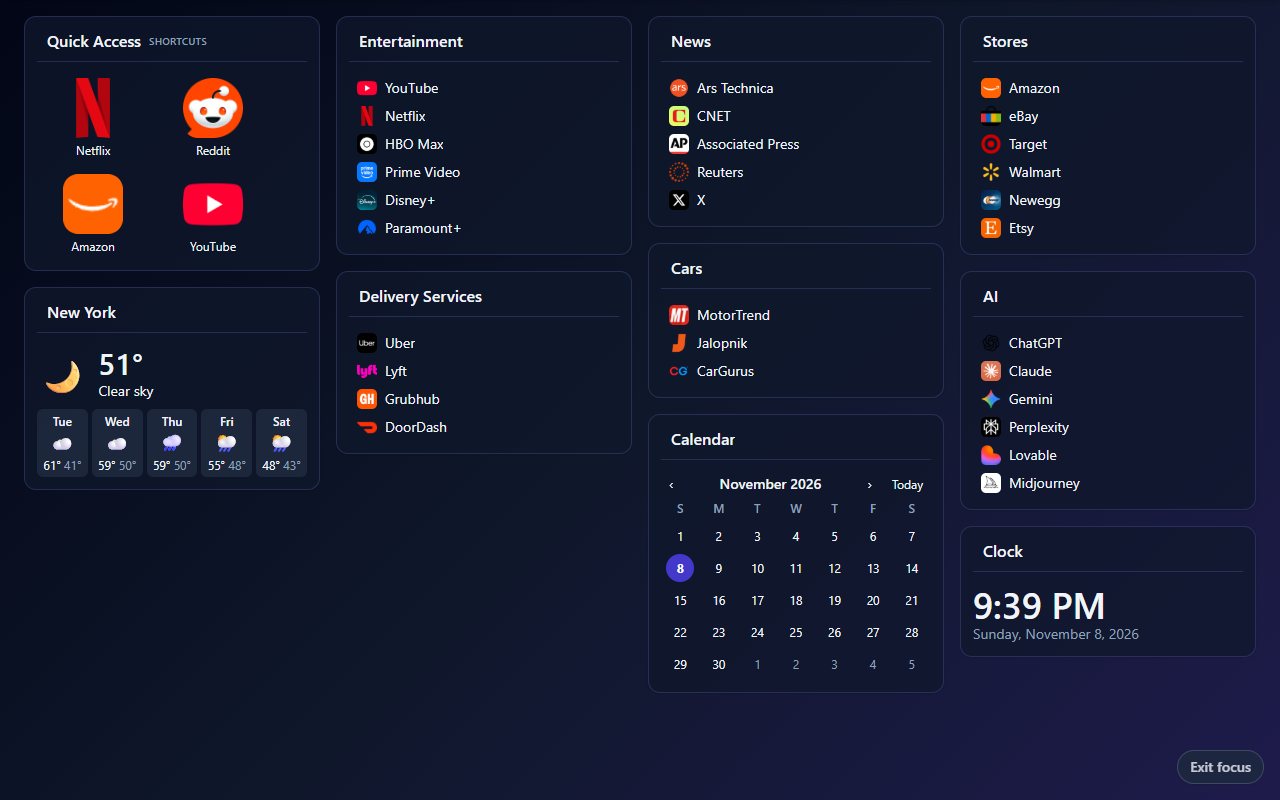
Eight color themes in light and dark, your own background picture, and a calm Focus mode.
Handy widgets
Clock, calendar, weather, to-do list, countdown, timers and sticky notes, right on your board.
Side panel
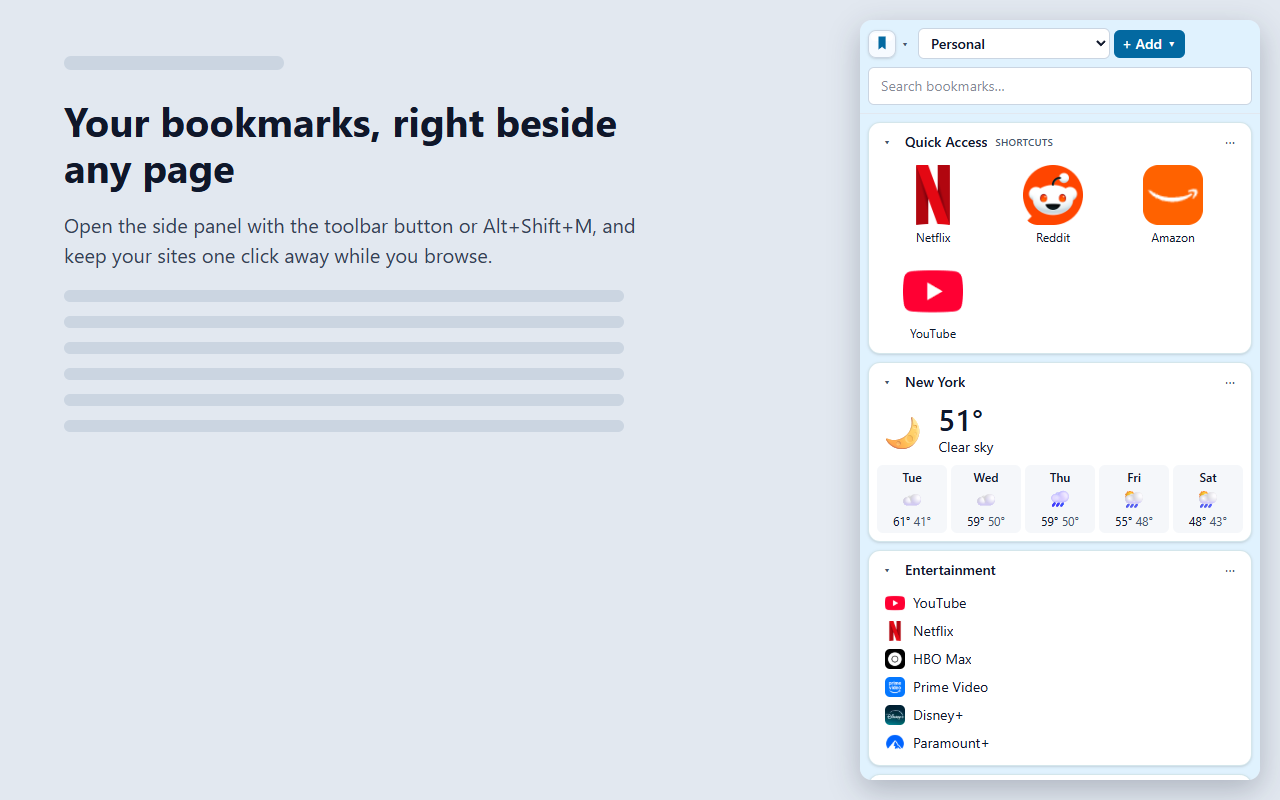
Open your bookmarks beside any page (in Firefox, the sidebar). Right-click a page or press Alt+Shift+S to save it in a second.
Safe backups
Back up to a file you choose, protected with a password if you like. Undo, a 30-day Recycle Bin and recovery points.
Calm when you want it.
Focus mode hides the buttons. The side panel keeps your sites one click away.
Private by design.
Your bookmarks are yours. They never leave your computer unless you choose to save a backup.